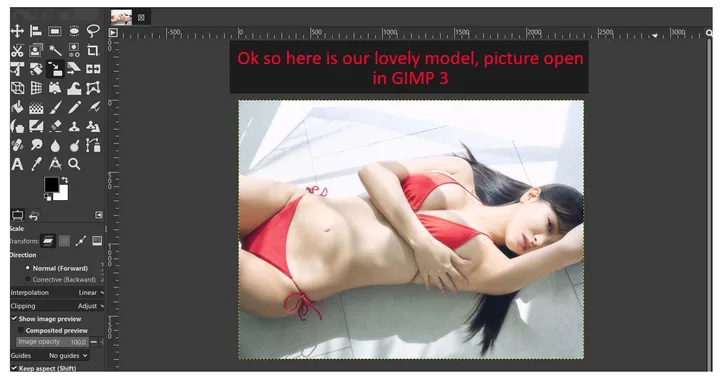
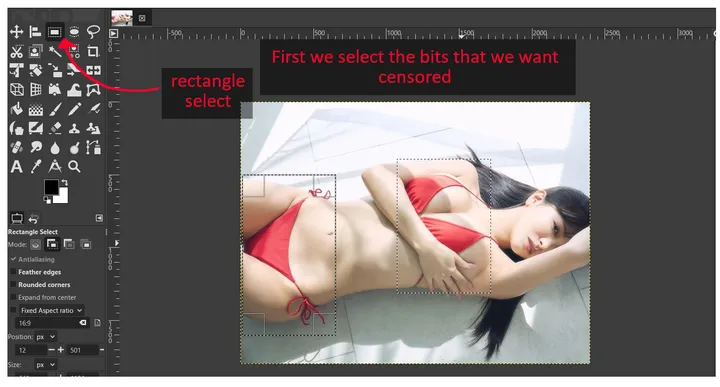
Hello everyone. I figured I would enjoy more people to create their own content and I assume there are a few out there whou would like to but don't know where to start. So here is a basic tutorial done with GIMP, which is free. The same principle should work for photoshop, stuff will just look and be named a little differently.
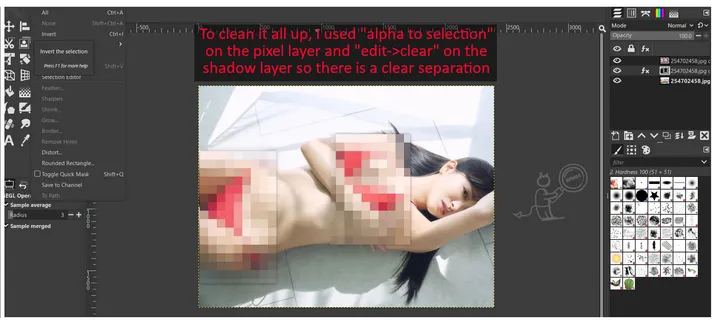
This will feature some basic pixelation, but also the creation of a little shadow around the pixelated area. Why? Because a) it will make your censored areas pop a little more and immediately look a lot better than before and b) it will teach you a little about layers - the probably most important mechanic in GIMP/Photoshop. The principles in this tutorial can be used to do much more - make frames around your censors, make objects float in front of your model, basically anything that requires one thing to be in front of another.